Let's be honest: grading essays has become an absolute minefield. With advanced language models constantly improving, identifying authentic student voices has become nearly impossible for educators. So, what AI detectors do teachers use to maintain academic integrity?
While many commercial tools offer wildly inconsistent results, finding the best AI detector for teachers requires a platform that balances deep syntax analysis with strict false-positive protection.
In this guide, we will rank the top-performing options, review a reliable free AI checker for teachers, and help you choose the right tool for your classroom.
In this article
AI Detector Comparison Table
| Detector | Free Plan / Trial | Languages | Price | Best For |
|---|---|---|---|---|
| Humbot | Yes (Free Trial) | 50+ | From $7.99/mo | Verifying text safety and instantly correcting unfair false positives. |
| GPTZero | Yes (Free Tier) | 5 (Core) | From $12.99/mo | Daily standalone classroom checks and tracking writing behavior over time. |
| Turnitin AI | No | 3 (EN, ES, JA) | Based on license type, student volume, and requirements | School districts and universities needing automated, native LMS integration. |
| Winston AI | Yes (14-day Trial) | 11 | From $10/mo | Scanning printed, handwritten, or PDF-formatted assignments. |
| Copyleaks | Yes (Limited Trial) | 30+ | From $13.99/mo | International educators checking assignments written in multiple languages. |
| Originality.ai | No | 30 | From $12.95/mo | Catching heavily disguised AI text and auditing copy-paste behavior in Google Docs. |
Direct Comparison: The Best AI Detectors for Teachers Ranked
When evaluating the best AI detector that teachers use, selecting a platform requires looking at specific classroom features rather than generic web scanners. Below is a data-driven ranking of the top tools educators rely on to verify academic honesty.
Humbot
Humbot is a unique entry in the search for the best AI detector for teachers, serving as an essential dual-purpose solution for content verification. Rather than just flagging text blindly, Humbot integrates a comprehensive multi-engine AI checker that evaluates submissions against all major platforms simultaneously. This allows educators and students to check text safety dynamically.
If false positives occur, its advanced underlying engine instantly humanizes the text, restructuring syntax seamlessly while flawlessly maintaining the original academic context and factual data.

Pros
- Combines multi-engine AI checking with a flawless syntax humanizer
- Eliminates false positives completely
- Preserves original contextual meaning
Cons
- Not a traditional standalone institutional grading dashboard
Pricing:
Humbot offers a free trial so you can test its humanization engine completely risk-free. For expanded limits, they offer three flexible tiers (billed annually):
- Basic Plan ($7.99/mo): Includes 3,000 Basic words and 1,000 Advanced words per month, with a 500-word input limit per run.
- Pro Plan ($9.99/mo): Scales up to 30,000 Basic words and 5,000 Advanced words per month, with an expanded 1,200-word single input limit.
- Unlimited Plan ($9.99/mo - Best Value): Unlocks completely Unlimited Basic words and 10,000 Advanced words per month, featuring an unrestricted input word limit for heavy workflows.
Best for:
Teachers and students who want to verify text safety and instantly correct unfair false positives.
GPTZero
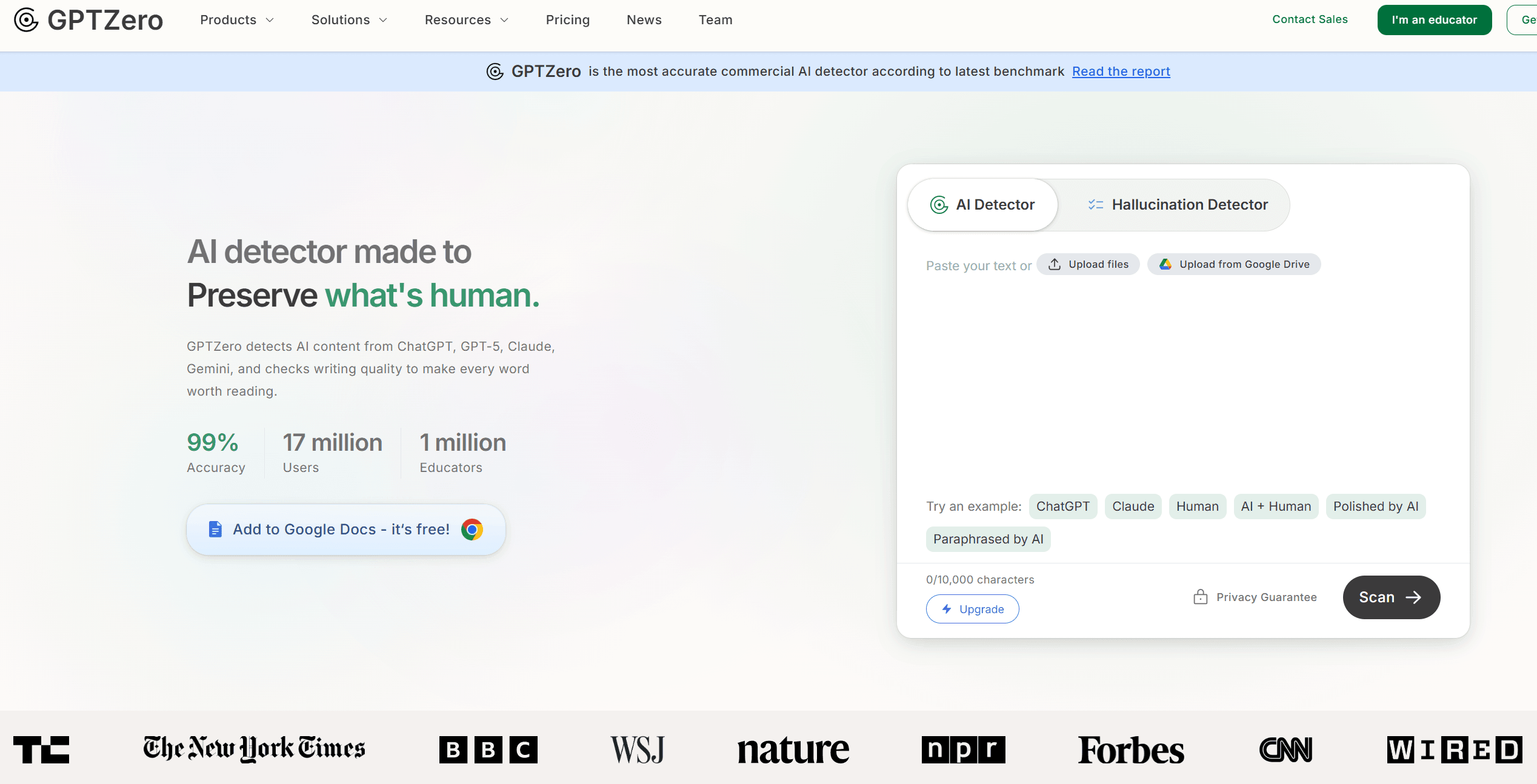
Widely known as a premier teacher AI detector, GPTZero is a tool purposefully built for academic environments. It scans submissions for pattern uniformity by assigning clear scores for perplexity and burstiness.
The platform provides a dedicated educator dashboard that seamlessly tracks student writing patterns over time. This makes it an incredibly popular choice for schools looking to spot AI-generated prose from models like ChatGPT and Claude while minimizing the classroom anxiety surrounding essay verification workflows.
Pros
- Highly intuitive educator dashboard
- Detailed breakdown of writing telemetry
- Useful color-coded sentence highlighting
Cons
- Can struggle with heavily edited human text
- Occasionally flags non-native English speakers unfairly
Pricing:
- Free Plan ($0/mo): Includes 10,000 words per month, basic AI scanning, 3 free advanced scans, and 5 free AI highlights within their Chrome extension.
- Premium Plan ($12.99/mo): Scales up to 300,000 words per month, unlocking advanced AI scans, full Chrome extension highlights, multilingual AI detection, and downloadable AI reports.
- Professional Plan ($24.99/mo): Boosts allowances to 500,000 words per month and adds enterprise-grade LMS integration, page-by-page scanning, bulk uploads (up to 250 files at once), and up to 2 million words of overage protection.
Best for:
Daily standalone classroom essay checks and tracking writing behavior over time.
Turnitin AI
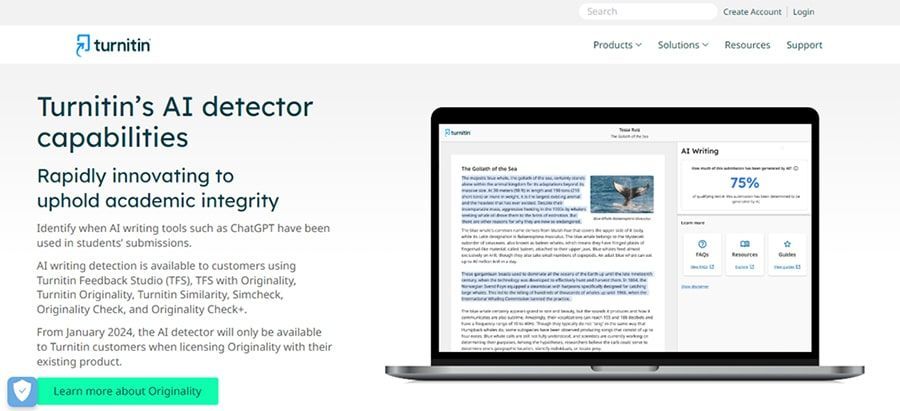
When asking what AI detector do teachers use at the institutional level, Turnitin is the default answer. Fully integrated into learning management systems like Canvas and Moodle, Turnitin's AI writing indicator automatically scans student submissions upon upload.
It trains its deep learning models extensively on massive student writing samples, making it highly effective at spotting machine signatures directly within existing grading portals without requiring any separate copy-paste steps.
Pros
- Native LMS integration with Canvas and Moodle
- Trusted by thousands of universities worldwide
- Combined plagiarism database
Cons
- Unavailable to individual teachers without a school license
- Known to produce unverified false positives
Pricing:
Only available via custom institutional licensing agreements; schools and school districts pay annual per-student subscription fees.
Best for:
School districts and universities needing automated, native integration within grading portals.
Winston AI
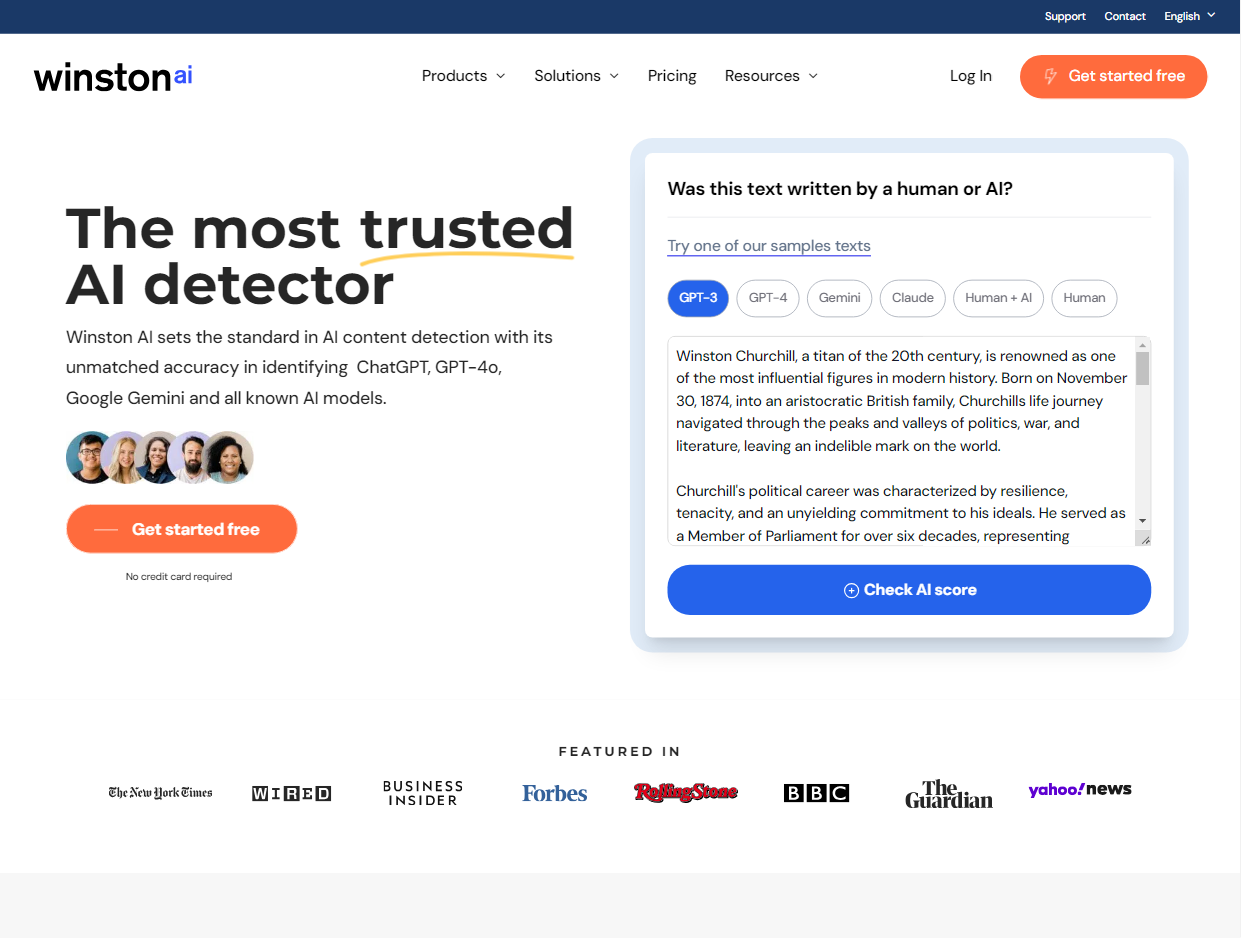
Winston AI stands out among AI detectors for teachers because of its specialized approach to digital content and offline documents. Featuring advanced Optical Character Recognition (OCR), it allows educators to upload scanned PDFs, photos of printed homework, or digital essays easily.
The system generates detailed authenticity reports with high precision, specifically tuning its algorithms to detect content generated by the latest large language models with ease.
Pros
- Phenomenal OCR for scanned documents
- Simple, clean interface
- Accurate detection of the newest AI models
Cons
- The free tier is heavily restrictive
- lacks deep native LMS integration features
Pricing:
offers a free trial
- Essential Plan ($10/mo): Provides 80,000 credits per month. On top of the free features, it adds dedicated writing feedback metrics and allows you to generate shareable PDF reports for students.
- Advanced Plan ($16/mo): Scales up to 200,000 credits per month. This tier unlocks advanced plagiarism detection, HUMN-1 website certification, credit top-ups, and collaborative access for up to 5 team members.
- Elite Plan ($26/mo): Designed for entire departments or institutions, providing 500,000 credits per month, upgraded HUMN-1+ website certification, and support for unlimited team members.
Best for:
Educators who need to scan printed, handwritten, or PDF-formatted assignments.
Copyleaks
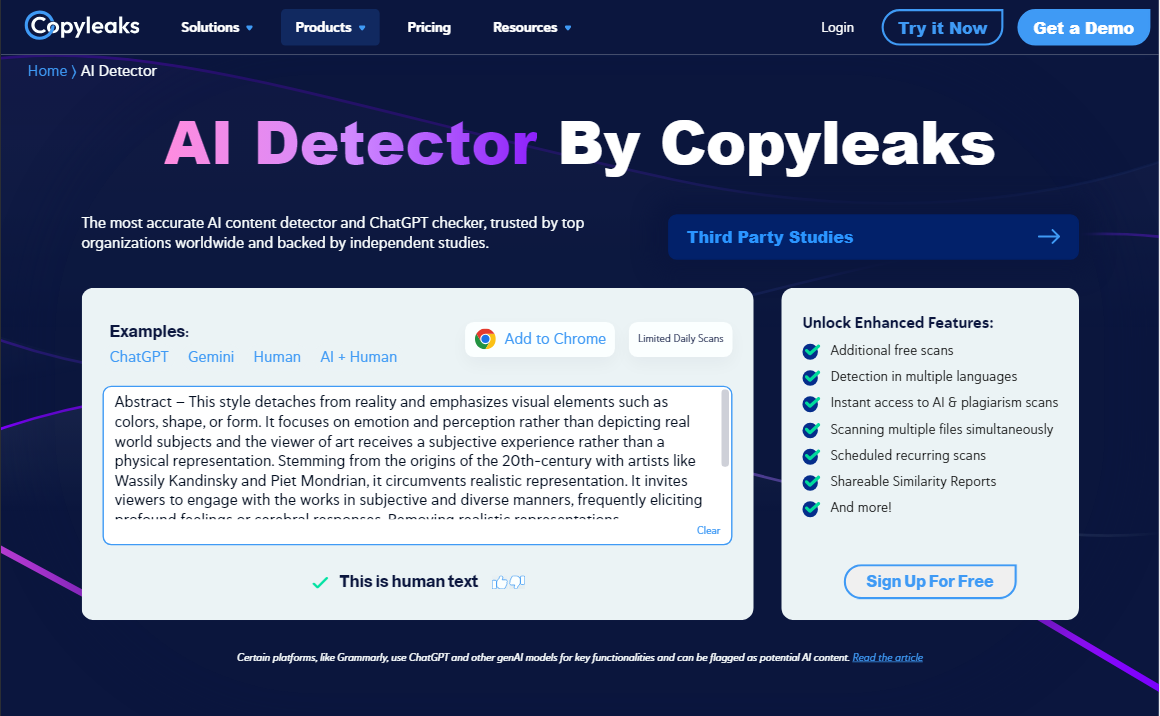
Copyleaks provides a highly versatile solution for those looking for AI checkers for teachers that handle complex file types. It excels at multi-language detection across over 30 languages, making it indispensable for foreign language classrooms and international institutions.
The platform offers a powerful browser extension that lets educators evaluate text directly inside Google Docs, alongside an extensive plagiarism database that checks for both copyright theft and machine writing signatures.
Pros
- Excellent multi-language support
- Highly accurate sentence-level detection
- Useful Chrome extension for Google Docs
Cons
- The credit-based consumption system can get expensive
- Dashboard can feel cluttered for beginners
Pricing:
- Personal Plan ($13.99/mo): Provides 1,200 unified credits per month, allowing you to scan up to 300,000 words or 1,200 images. It unlocks combined AI and plagiarism insights in a single report, multi-file uploads, detection in over 30 languages, and native access to their browser extension and Google Docs add-on.
- Pro Plan ($74.99/mo): Upgrades your quota to 12,000 unified credits per month to scan up to 3,000,000 words or 12,000 images. It includes everything in Personal, plus 25 shared user seats for departmental collaboration, cross-language translation detection, deep website scanning, and a dedicated analytics dashboard.
Best for:
International educators checking assignments written in multiple languages.
Originality.ai
While originally designed for web publishers, Originality.ai has introduced a dedicated academic model, positioning it among the best AI detectors for teachers who face highly sophisticated evasion techniques.
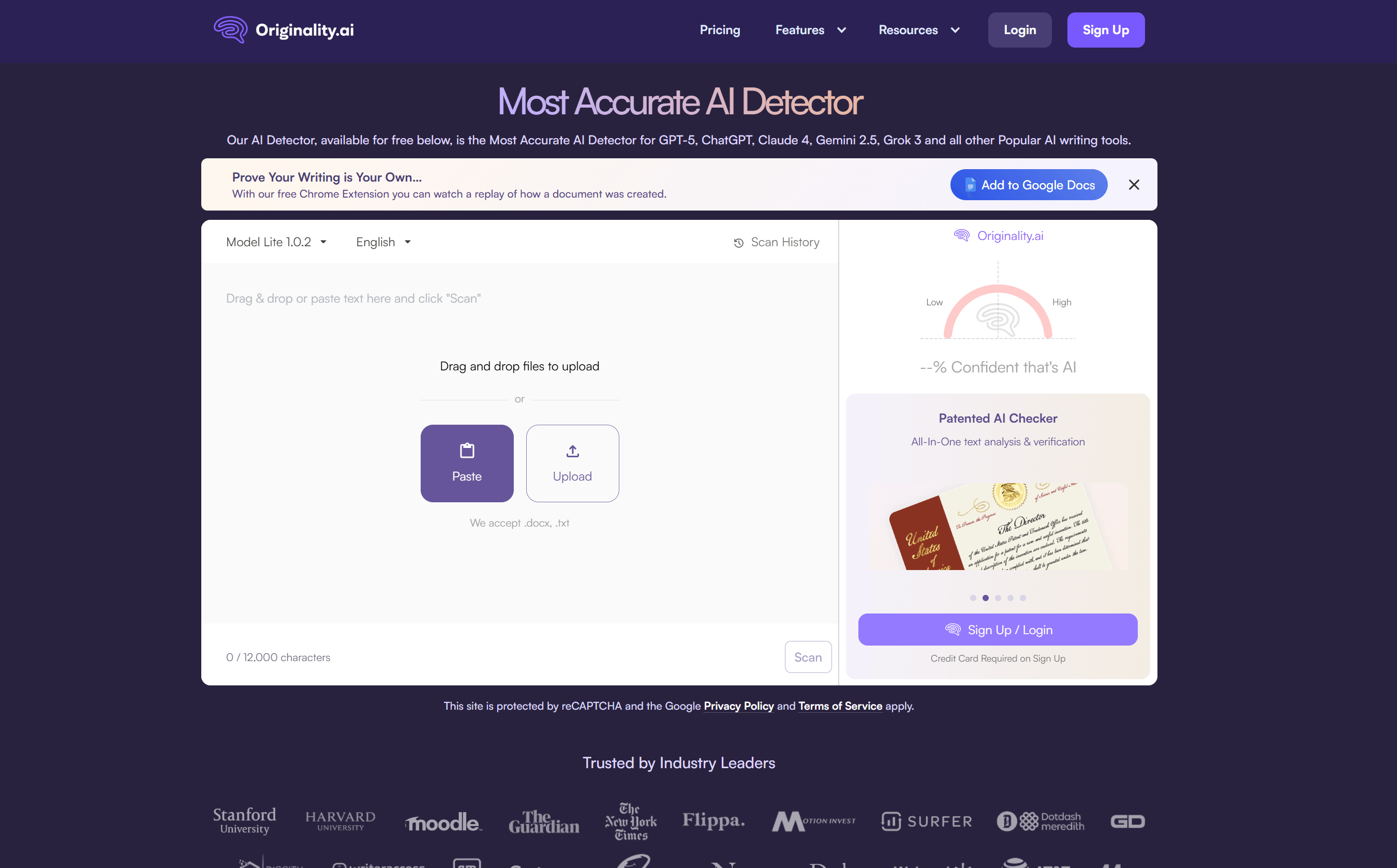
It is an aggressive tool built specifically to flag paraphrased text and adversarial humanizers. Its dashboard provides teachers with a clear percentage breakdown alongside a unique document history feature that can track whether a student actually typed out an assignment manually.
Pros
- Tracks document writing history to catch copy-pasting
- Hyper-sensitive to paraphrased text
- Detailed sentence analysis
Cons
- High false-positive rate on formal human writing
- Pay-as-you-go credit system expires quickly
Pricing:
- Pay as you go ($30 one-time payment): Provides 3,000 one-time credits (equivalent to 300,000 words) with a 2-year expiration window. It features core access to their AI checker, plagiarism scanner, readability and grammar tools, and 30 days of scan history.
- Pro Plan ($12.95/mo): Allots 2,000 credits per month (200,000 words, resetting monthly). It adds premium capabilities like bulk file uploads (DOCX, PDF), full website URL scans, team management settings, and access to their dedicated Chrome extension.
- Enterprise Plan ($136.58/mo): Designed for large-scale administrative use, offering 15,000 credits per month (1.5 million words). It unlocks a 365-day scan history, full API access, priority support, and a dedicated Customer Success Manager.
Best for:
Catching heavily disguised AI text and auditing copy-paste behavior in Google Docs.
How to Choose the Right AI Detector for Teaching
Choosing the right AI detector for your classroom depends entirely on your workflow, document formats, and budget. If your institution utilizes platforms like Canvas or Moodle, an LMS-integrated tool like Turnitin provides the most seamless grading experience. For offline or handwritten assignments, prioritizing a scanner with powerful OCR capabilities is essential.
Most importantly, you must look for an AI detector that maintains a low false-positive rate to protect honest students, particularly non-native English speakers. Because no scanner is infallible, utilizing multi-engine verification tools like Humbot ensures you cross-check results before making any academic accusations.
FAQs about Best AI Detector for Teachers
Does Google Classroom have an AI detector?
Google Classroom does not have a built in AI detector. It offers an Originality Reports feature that checks student work against web pages and books for plagiarism, but it does not scan for AI generated text.
Can teachers rely on AI detectors for final grading decisions?
No. AI detectors rely on statistical probabilities and frequently yield false positives on technical human writing. Teachers should use them as diagnostic indicators alongside human judgment, student interviews, and editorial review before making final decisions.
Summary & Verdict: Choosing the Right Tool for Your Classroom
Finding the ideal AI checker for teachers means balancing grading efficiency with student trust. While institutional tools like Turnitin and GPTZero dominate classrooms, their vulnerability to false positives remains a major flaw. To navigate this safely, platforms like Humbot offer the ultimate safety net.
By allowing users to scan multiple engines simultaneously and humanize text seamlessly, Humbot ensures writing stays natural, accurate, and completely undetectable across all platforms.
Humbot
4.9/5.0
- Multi Engine Accuracy: Combines top detection algorithms to reduce false positives and ensure fair grading.
- Constructive Learning: Shows students how to rewrite rigid AI text into clear, natural human writing.
- Smart Content Summarization: Quickly condenses lengthy student essays and research papers into key bullet points for faster reviewing.
- All in One Workspace: Combines AI detection, plagiarism scanning, and text polish to save teachers valuable time.
- Instant Quiz Generation: Turns lesson materials into custom quizzes, and tests in seconds.