AI Flashcard Maker for Smarter Study
Turn your notes, PDFs, documents, and images into personalized flashcards with Humbot. Choose your difficulty and question count, then review your knowledge and track your learning progress.
AI Flashcard Maker: Turn Your Study Materials Into Smart Flashcards
Study smarter with Humbot's AI flashcard maker. Turn PDFs, documents, images, or your notes into personalized flashcards in seconds. Choose the number and difficulty of your flashcards, then review key concepts, track your mastery, and focus on the topics that need more practice.
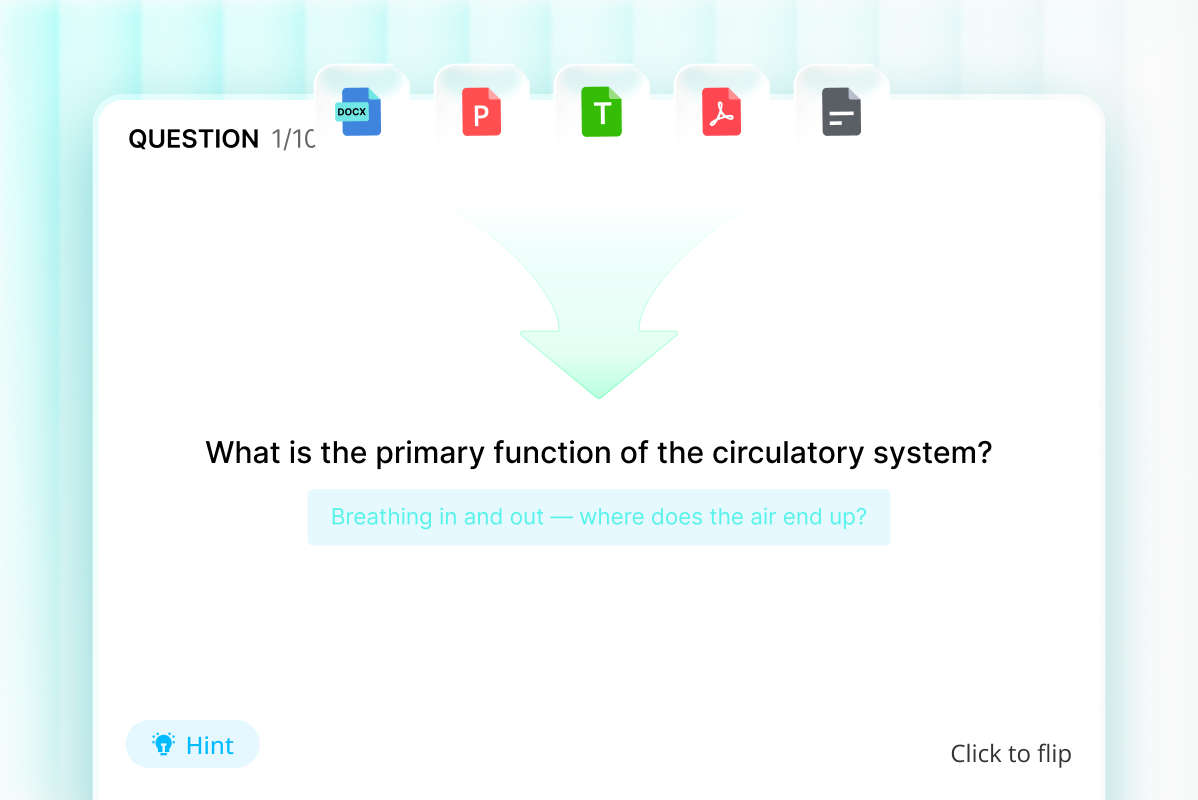
Turn Notes and Documents into Flashcards
Upload PDFs, DOCX, PPT, images, or paste your notes, and Humbot’s AI flashcard maker quickly turns your study materials into focused flashcards that help you review key concepts more efficiently.
Create Flashcards for Free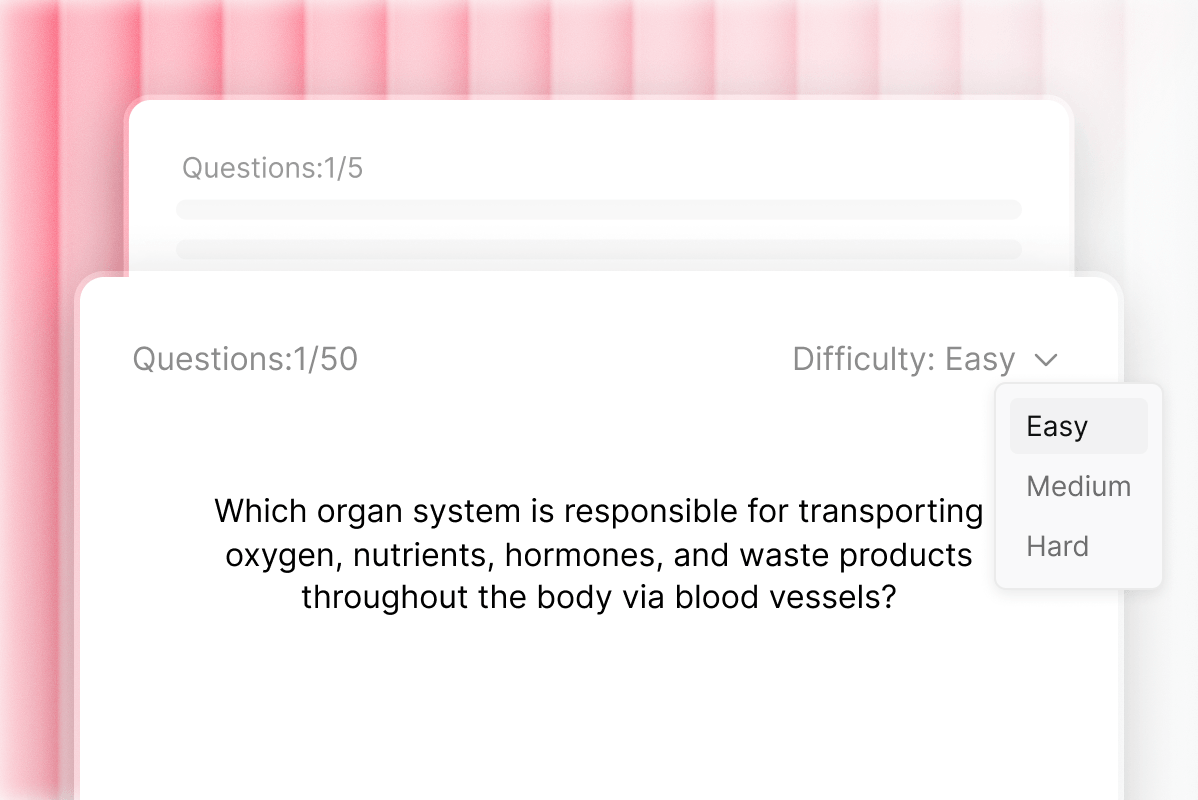
Create Flashcards Your Way
Choose 5 to 50 flashcards and set the difficulty from Easy to Hard. This AI flashcard maker adapts to your study needs, whether you want a quick review or a more comprehensive practice set.
Create Flashcards for Free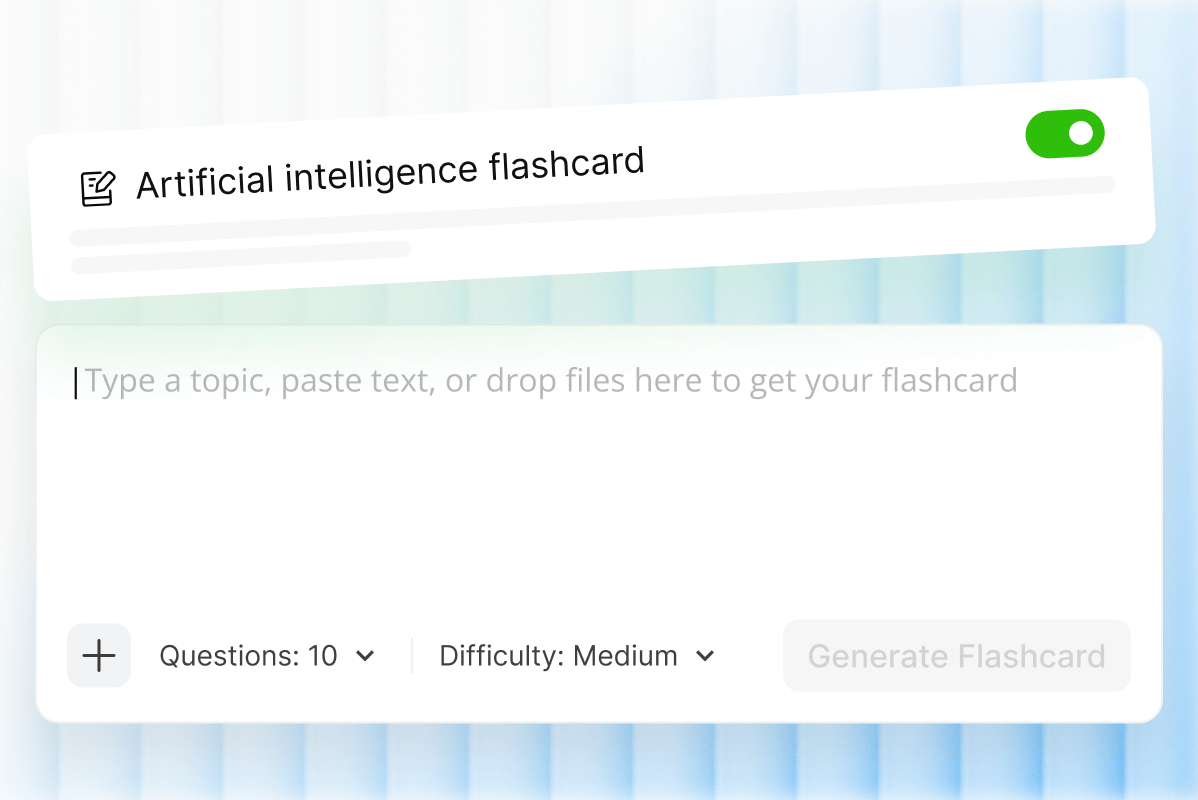
AI-Powered Flashcards for Smarter Practice
Let AI identify important concepts and create clear, study-ready flashcards from your content. Whether you need to make flashcards from notes or review a document, Humbot helps turn complex material into manageable study points.
Create Flashcards for Free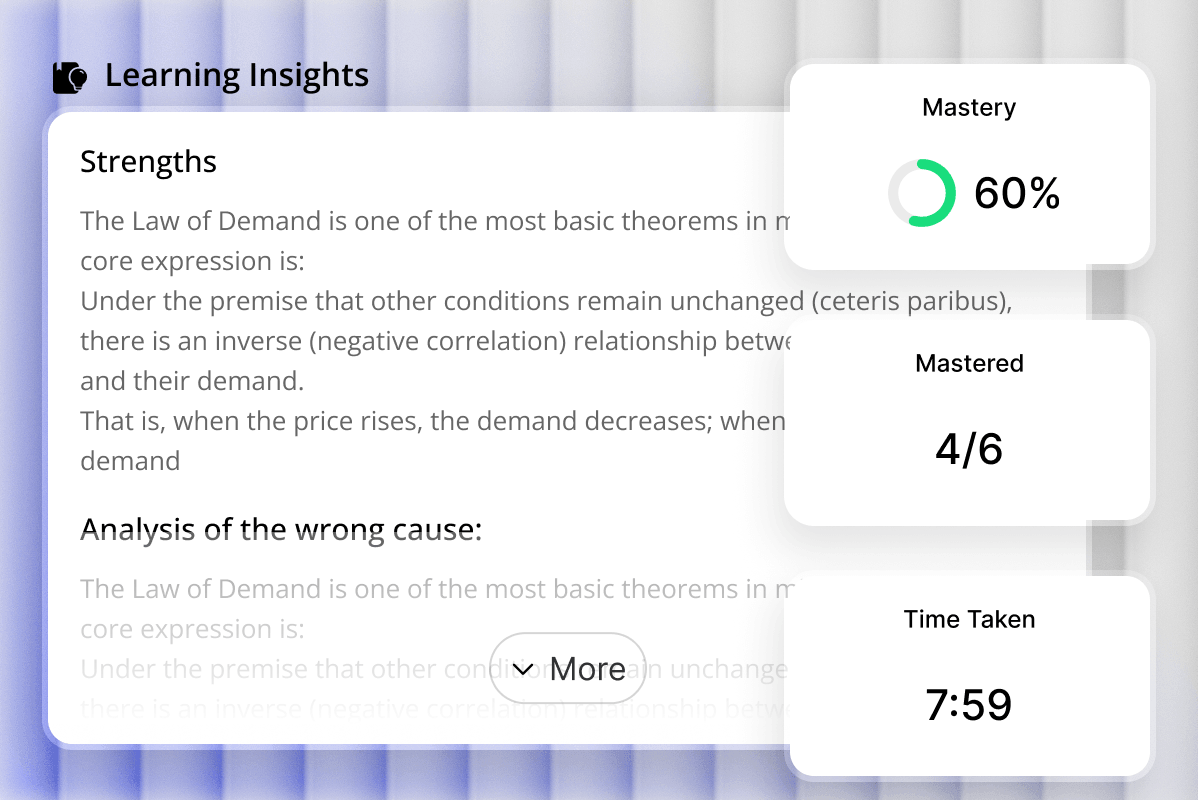
Track Mastery and Review Progress
After each session, see your accuracy, mastered and unmastered cards, and time spent studying. Use these learning insights to identify knowledge gaps, revisit difficult concepts, and make every review session more focused.
Create Flashcards for FreeWho Is Humbot AI Flashcard Maker For?
Turn notes, documents, and study materials into focused flashcards for faster review, better retention, and more effective learning.
Students
Turn class notes, PDFs, and study materials into AI flashcards to review key concepts, prepare for exams, and practice difficult topics more efficiently.

Teachers & Educators
Create AI flashcards from lesson materials, documents, or presentations to reinforce key concepts, prepare review activities, and support more engaging learning.

Self-Learners
Use an AI flashcard maker to turn notes and reading materials into personalized study cards, helping you organize knowledge and review at your own pace.

How to Use Humbot AI Flashcard Maker?
Add
Upload a PDF, document, image, or paste your notes into the AI flashcard maker.
Customize
Choose the number of flashcards and set your preferred difficulty level.
Study
Review your flashcards, check learning insights, and track your mastery.
Discover Humbot Other Smart AI Study & Writing Tools
- AI Quiz Generator
Instantly create interactive practice tests from text files.
- AI Math Solver
Get instant step by step solutions for complex formulas.
- AI Humanizer
Convert AI text into natural human writing instantly.
- AI Detector
Scan text to find content written by AI tools fast.
What Learners Say About Humbot AI Flashcard Maker

Emily Carter
College Student

Daniel Brooks
High School Teacher

Sophia Martinez
Nursing Student

Jason Turner
Self-Learner
Emily Carter
College Student
Daniel Brooks
High School Teacher
Sophia Martinez
Nursing Student
Jason Turner
Self-Learner
Frequently Asked Questions About AI Flashcard Maker
What is an AI flashcard maker?
An AI flashcard maker uses artificial intelligence to turn study materials into ready-to-use flashcards. Instead of creating cards manually, Humbot analyzes documents, images, or pasted notes, identifies key concepts, and organizes them into focused study cards.
Can AI make flashcards from notes?
Yes. Humbot can make flashcards from notes by analyzing the text you provide and identifying important concepts, definitions, and key information. You can paste up to 8,000 characters of notes directly into the tool and generate a customized set of AI flashcards.
Can an AI flashcard maker create flashcards from PDFs?
Yes. Humbot's AI flashcard maker supports PDF uploads and can extract content to create study-ready flashcards. You can also upload DOCX, PPT, PPTX, JPG, JPEG, PNG, and WEBP files, making it easy to turn existing study materials into flashcards.
Can ChatGPT make flashcards?
Yes, ChatGPT and other AI assistants can generate flashcards from text or uploaded study materials. However, a dedicated AI flashcard maker provides a more structured workflow, with controls for card quantity and difficulty plus built-in learning and progress features.
What can I use an AI flashcard maker for?
You can use an AI flashcard maker to review lecture notes, prepare for exams, memorize key concepts, study vocabulary, and reinforce information from textbooks or course materials. Humbot turns existing learning materials into focused flashcard sets without requiring you to create every card manually.
Is Humbot AI Flashcard Maker free?
Humbot provides free access or trial usage for selected features, allowing you to try its AI flashcard maker before choosing a paid plan. Available usage limits may vary by account and plan, so check the current product experience for the latest access details.
How many flashcards can Humbot generate at once?
You can choose from 5 to 50 flashcards for each generation, including 5, 10, 15, 20, 25, 30, 35, 40, 45, or 50 cards. This lets you create a quick review set or a more comprehensive deck based on your study needs.
Can I choose the difficulty of AI-generated flashcards?
Yes. Humbot lets you choose Easy, Medium, or Hard before generating your flashcards. Your selected difficulty is retained for your next session, helping you maintain a consistent study workflow without repeatedly adjusting your preferences.
Are AI-generated flashcards accurate?
AI-generated flashcards are designed to identify and organize important information from your source material, but they should still be reviewed for accuracy, especially for technical or specialized subjects. Humbot also shows knowledge points and learning insights to support your review.
How can I use AI flashcards to study more effectively?
Start with your own notes, PDFs, or course materials, then generate a manageable set of flashcards and actively recall the answers before checking them. After completing a set, Humbot shows your accuracy, mastered and unmastered cards, and time spent so you can focus on areas needing more review.
Can I make flashcards from images with AI?
Yes. Humbot supports JPG, JPEG, PNG, and WEBP images. You can upload or paste an image into the input area, and the AI flashcard maker can use the information in the image to create a study set.
Can I download the flashcards I create with AI?
Yes. After generating and completing a flashcard set, Humbot provides a download option so you can save your AI-generated flashcards and study materials for later use.
What should I look for in an AI flashcard maker?
When choosing an AI flashcard maker, consider supported study materials, generation controls, card quality, and learning features. Humbot supports documents, PDFs, images, and pasted notes, with customizable card counts and difficulty levels to fit different study needs.
Create Flashcards with Humbot in Seconds
Use our AI flashcard maker to turn notes, PDFs, documents, and images into personalized study cards in seconds.
Create Flashcards for Free