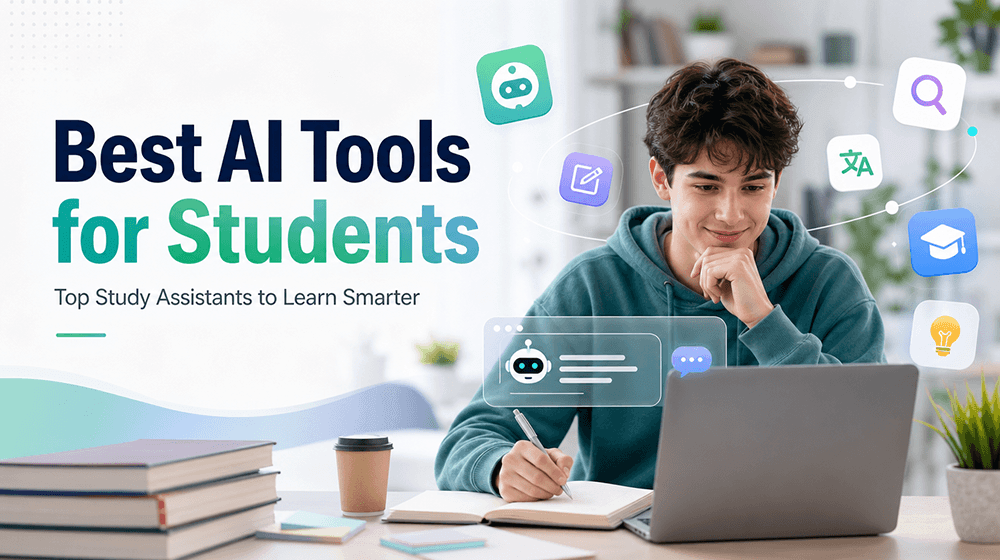
Starting a new semester often means juggling readings, assignments, research, math problems, presentations, and exam prep, all while trying to manage limited time. AI can help, but finding the right tool for each task can be just as frustrating. Some are great for writing, while others focus on research, math, studying, or productivity.
This guide compares the best AI tools for students in 2026, focusing on what actually matters in a student’s daily workflow: useful features, ease of use, free access, and real value. Whether you're in college or high school, these tools can help make your school year more manageable.
In this article
- What Can AI Tools Help Students With?
- Quick Comparison: 10 Best AI Tools for Students in 2026
-
The 10 Best AI Tools for Students in 2026
- 1. Humbot🏆 — Best All-in-One AI Tool for Students
- 2. ChatGPT — Best General-Purpose AI Assistant
- 3. Google Gemini — Best for Google Workspace Users
- 4. NotebookLM — Best for Studying Your Own Sources
- 5. Perplexity — Best AI Search Tool for Students
- 6. Grammarly — Best AI Writing Tool for Students
- 7. Wolfram Alpha — Best for Math & STEM Students
- 8. Quizlet — Best for Flashcards and Exam Practice
- 9. Canva — Best for Student Presentations
- 10. Photomath — Best for Quick Math Help
- How to Choose the Best AI Tool for Students
- How to Build a Smarter AI Study Workflow
- Are AI Tools Good for Students?
What Can AI Tools Help Students With?
During a busy school year, AI powered tools for students help streamline everyday academic tasks:
- 📚 Understand: Break down complex readings and difficult course concepts into simple terms.
- ✍️ Write: Brainstorm ideas, draft essays, and refine tone for clearer, polished writing.
- 🔎 Research: Extract key insights from lengthy PDFs, summarize sources, and format accurate citations.
- 🧮 Solve: Work step by step through complex math equations and STEM homework problems.
- 📝 Practice: Create custom study guides, flashcards, and practice quizzes to test your knowledge.
- 🌎 Communicate: Translate academic materials and refine phrasing for non native speakers.
- ✅ Check: Scan papers to fix grammar, verify originality, and review AI content scores.
The best AI powered study tools for students fit seamlessly into daily study routines without overcomplicating learning.
Quick Comparison: 10 Best AI Tools for Students in 2026
Choosing the right AI tool can be difficult when every platform focuses on a different part of the student experience. The table below provides a quick comparison of 10 popular AI tools based on their primary use cases, free access, and the types of students they are best suited for.
| Tool | Best For | Key Use | Free Option | Best Student Type |
|---|---|---|---|---|
| Humbot | All-in-one study & writing | Study + Writing | ✓ | All students |
| ChatGPT | General AI assistance | Research & brainstorming | ✓ | General |
| Gemini | AI research & productivity | Research & productivity | ✓ | College students |
| NotebookLM | Source-based learning | Notes & research | ✓ | Researchers |
| Perplexity | AI search | Research & source discovery | ✓ | College students |
| Grammarly | Writing | Grammar & editing | ✓ | Writers |
| Wolfram Alpha | Math & STEM | Problem solving | ✓ | STEM students |
| Quizlet | Study & flashcards | Exam preparation | ✓ | Students |
| Canva | Presentations | Visual projects | ✓ | Students |
| Photomath | Math | Math problem solving | ✓ | STEM students |
The 10 Best AI Tools for Students in 2026
Humbot🏆 — Best All-in-One AI Tool for Students
Best For:
- College students balancing heavy, multi subject workloads.
- Students managing research, drafting, and proofreading under tight deadlines.
- Anyone who prefers one comprehensive workspace over separate single feature utilities.
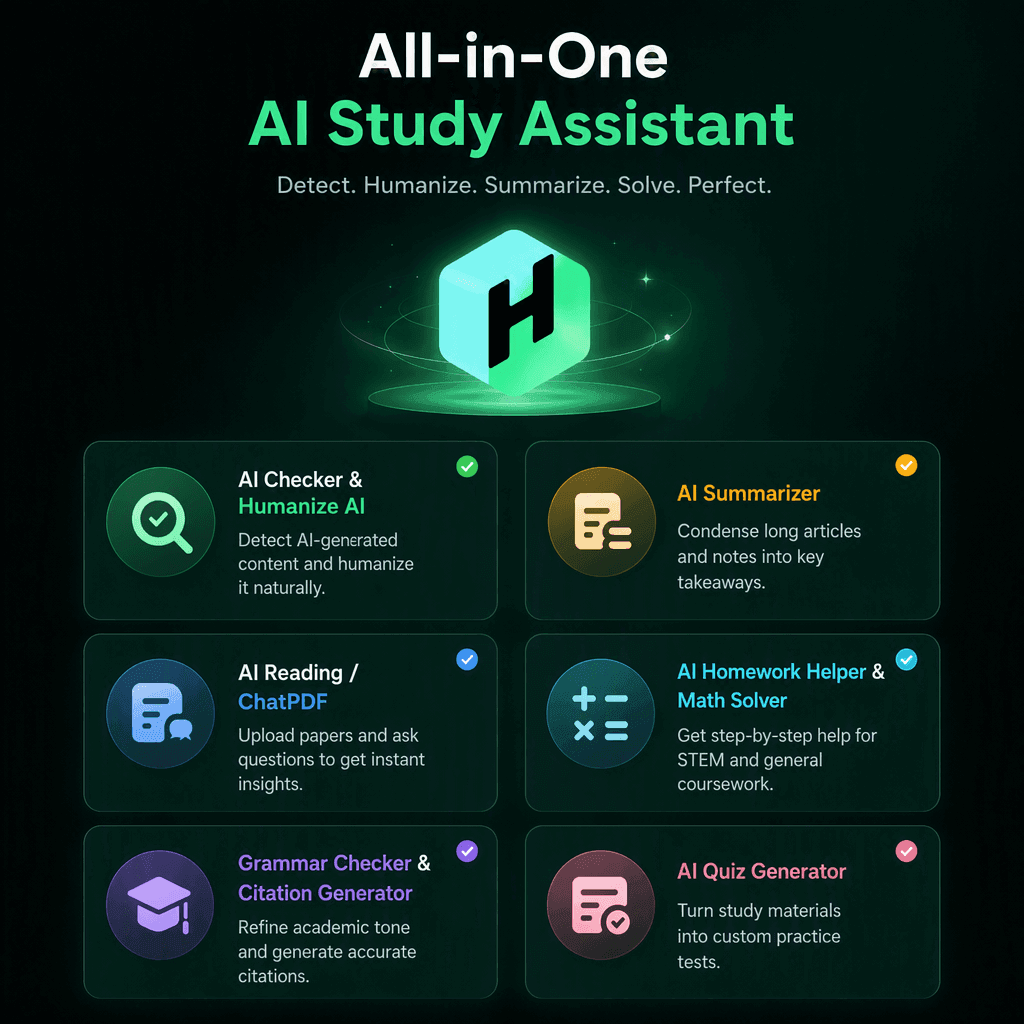
Humbot stands out for students who don't want to switch between multiple tools for different assignments. Instead of focusing on just writing or research, it brings study and writing capabilities together in one workspace. Students can use it throughout the workflow: Read → Understand → Practice → Write → Check.
Humbot
4.9/5.0
- AI Checker & Humanize AI: Detect machine like cadence and rewrite robotic text naturally.
- AI Reading / ChatPDF: Upload complex papers to ask questions and extract instant insights.
- Grammar Checker & Citation Generator: Refine academic tone and generate accurate citations.
- AI Summarizer: Condense long articles and chapter notes into concise study points.
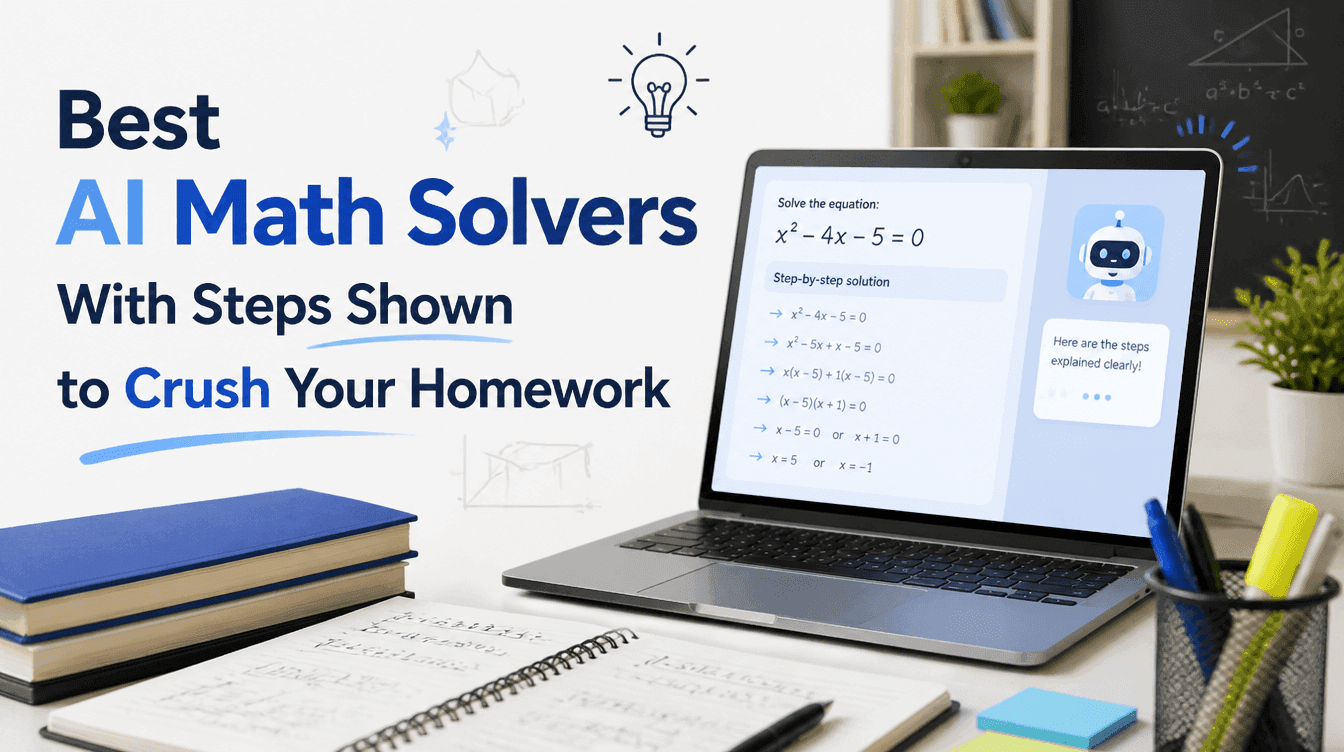
- AI Homework Helper & Math Solver: Get step by step assistance for STEM and general coursework.
- AI Quiz Generator: Turn study materials directly into custom practice tests.
Pros
- Multiple study and writing tools in one platform
- Supports different stages of the student workflow
- Reduces the need to switch between separate AI tools
Cons
- Some advanced features require a paid plan
ChatGPT — Best General-Purpose AI Assistant
Best For: Students who want one flexible AI assistant for general academic and study support.
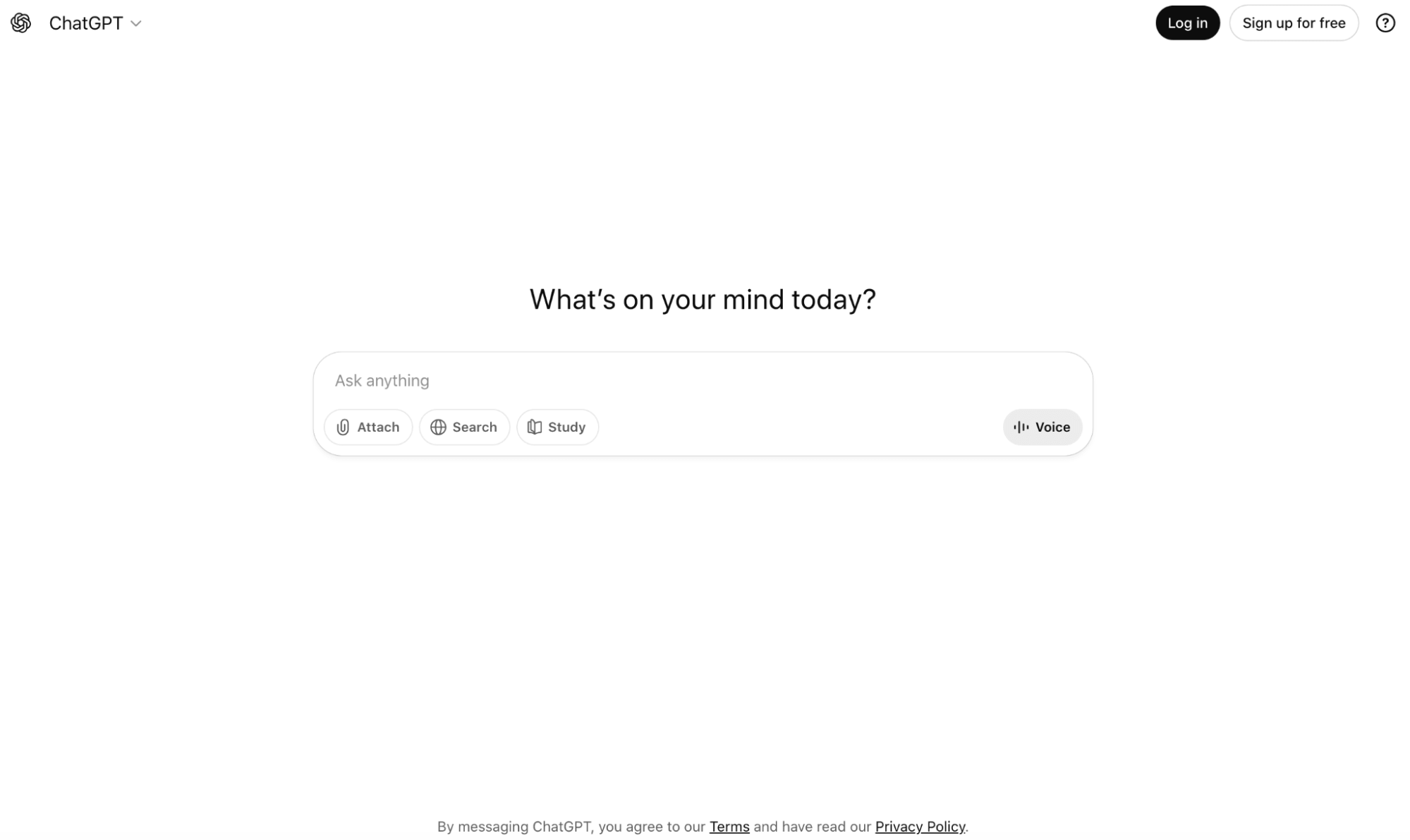
ChatGPT is a flexible choice for students who need help with a wide range of everyday tasks. It can explain difficult concepts in simpler language, brainstorm ideas, create study questions, help structure drafts, and answer follow-up questions in a conversational format.
🏅Key Features
Its biggest advantage is versatility. Students can use it for brainstorming, concept explanations, outlining, study planning, practice questions, and general Q&A. It can also adapt explanations to different knowledge levels, making it useful when a textbook explanation is difficult to understand.
Pros
- Versatile, conversational, useful for brainstorming and explanations.
Cons
- Responses can contain inaccuracies, so students should verify important information and sources.
Google Gemini — Best for Google Workspace Users
Best For: College students who already use Google Workspace for coursework and productivity.
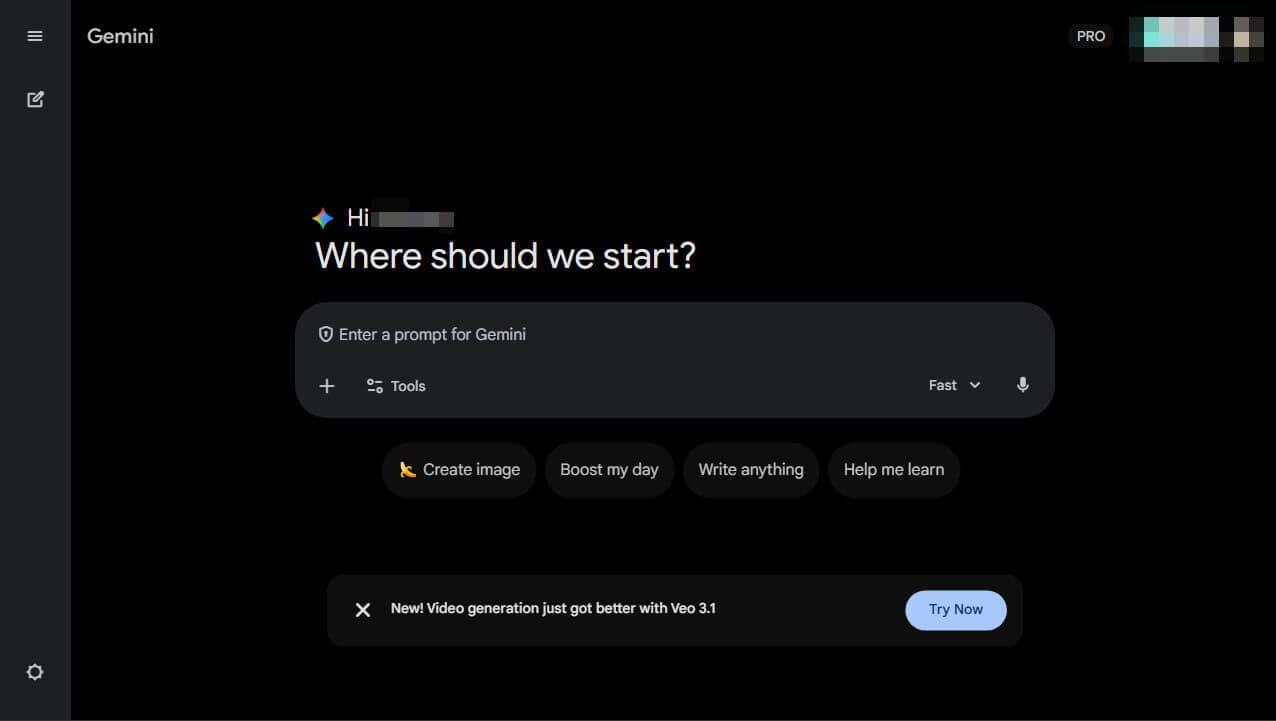
Google Gemini is a strong option for students who already rely heavily on Google's ecosystem. It can assist with research, brainstorming, writing, summarization, and other productivity tasks while fitting naturally into workflows built around Google services.
🏅Key Features
Gemini can help students explore topics, generate ideas, summarize information, and improve written content. Its connection with Google's broader productivity ecosystem can also make it convenient for students who organize coursework through tools such as Google Docs and Drive.
Pros
- Broad AI capabilities
- Useful for research and productivity
- Familiar Google ecosystem
Cons
- The usefulness of specific integrations and features can vary by account, plan, and region.
NotebookLM — Best for Studying Your Own Sources
Best For: Students and researchers who frequently work with PDFs, lecture notes, and course materials.
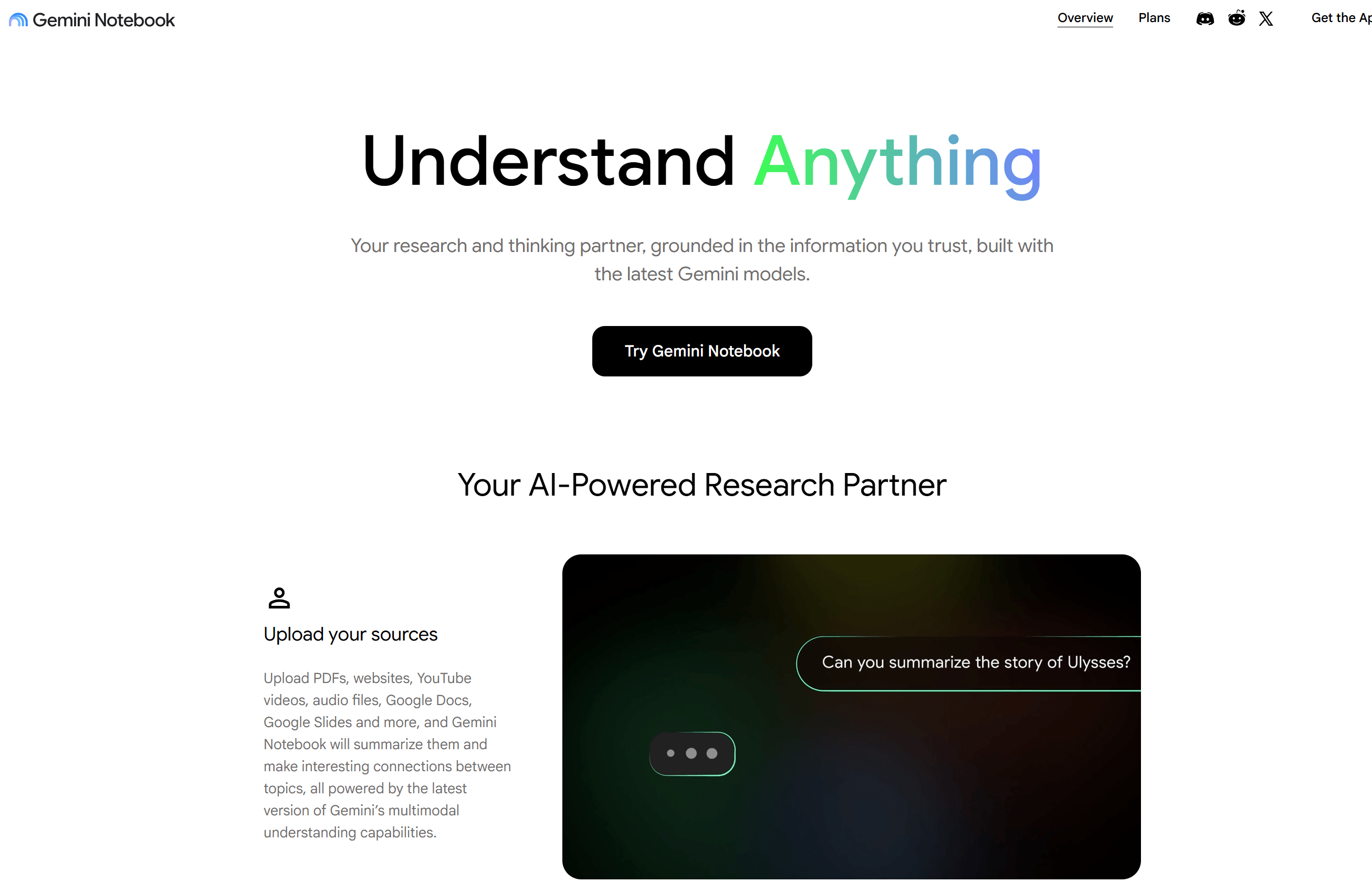
NotebookLM is particularly useful when students want AI assistance based on their own course materials rather than general web knowledge. It can work with sources such as PDFs, notes, and other supported documents to help students understand and review their materials.
🏅Key Features
Students can use NotebookLM to summarize source materials, ask questions about uploaded content, identify key ideas, and create study resources. This makes it especially useful for turning lengthy lecture notes or course readings into something easier to review before an exam.
Pros
- Source-focused workflow
- Useful for reviewing large amounts of material
- Strong fit for research and study
Cons
- Its usefulness depends heavily on the quality and completeness of the sources provided.
Perplexity — Best AI Search Tool for Students
Best For: College students who frequently conduct research or need to explore unfamiliar subjects.
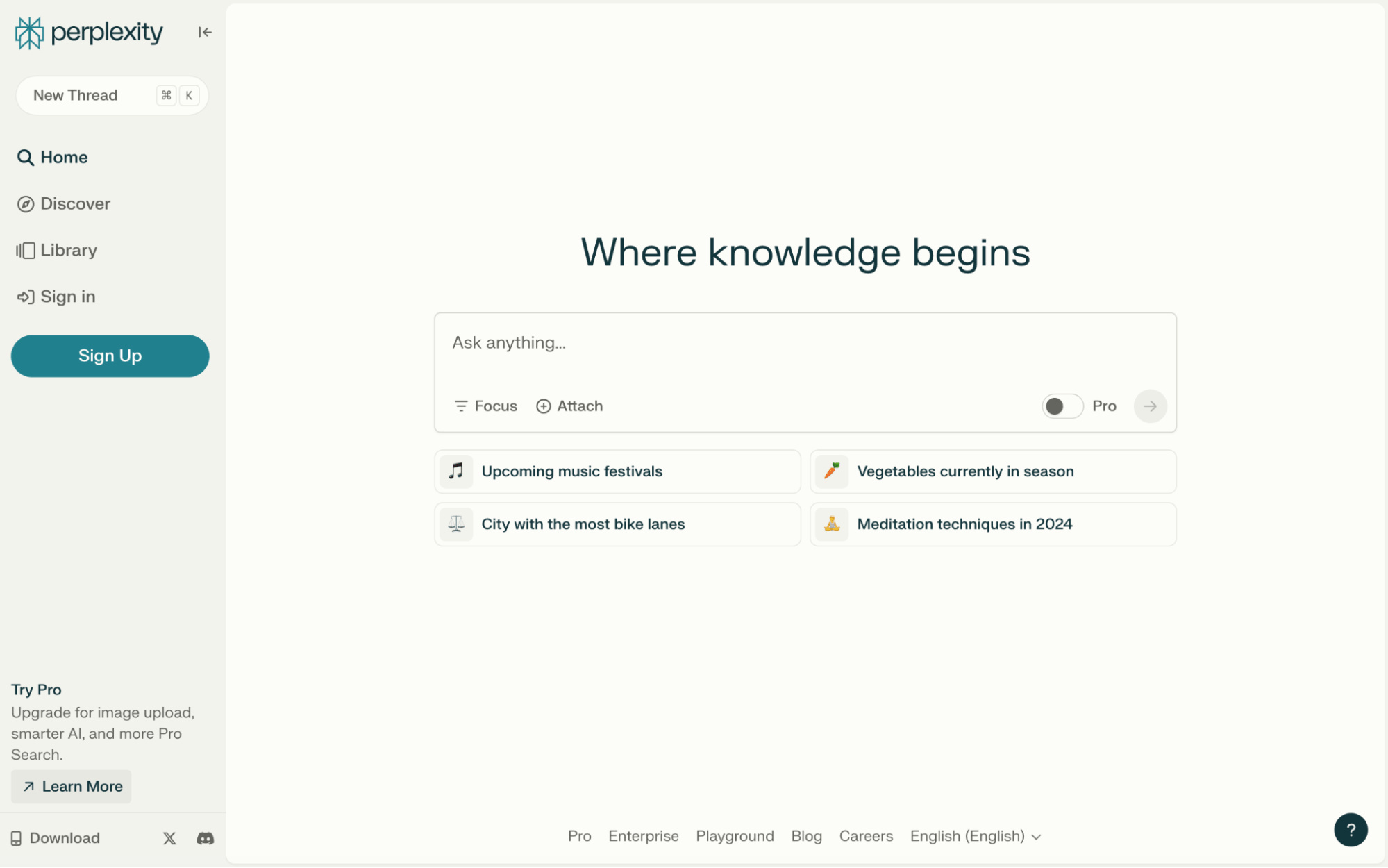
Perplexity is designed around AI-powered search, making it useful when students need to move from a question to relevant sources quickly. Rather than relying only on a conversational response, it combines answers with source discovery.
🏅Key Features
Students can use Perplexity to explore unfamiliar topics, find relevant sources, ask follow-up questions, and quickly compare information. It can be particularly helpful at the beginning of a research process when students need to understand a topic and identify useful sources.
Pros
- Fast information discovery
- Source-oriented research workflow
- Useful follow-up questions
Cons
- Students should still evaluate the quality and relevance of cited sources before using them in academic work.
Grammarly — Best AI Writing Tool for Students
Best For: Students who frequently write essays, reports, emails, applications, and other academic content.
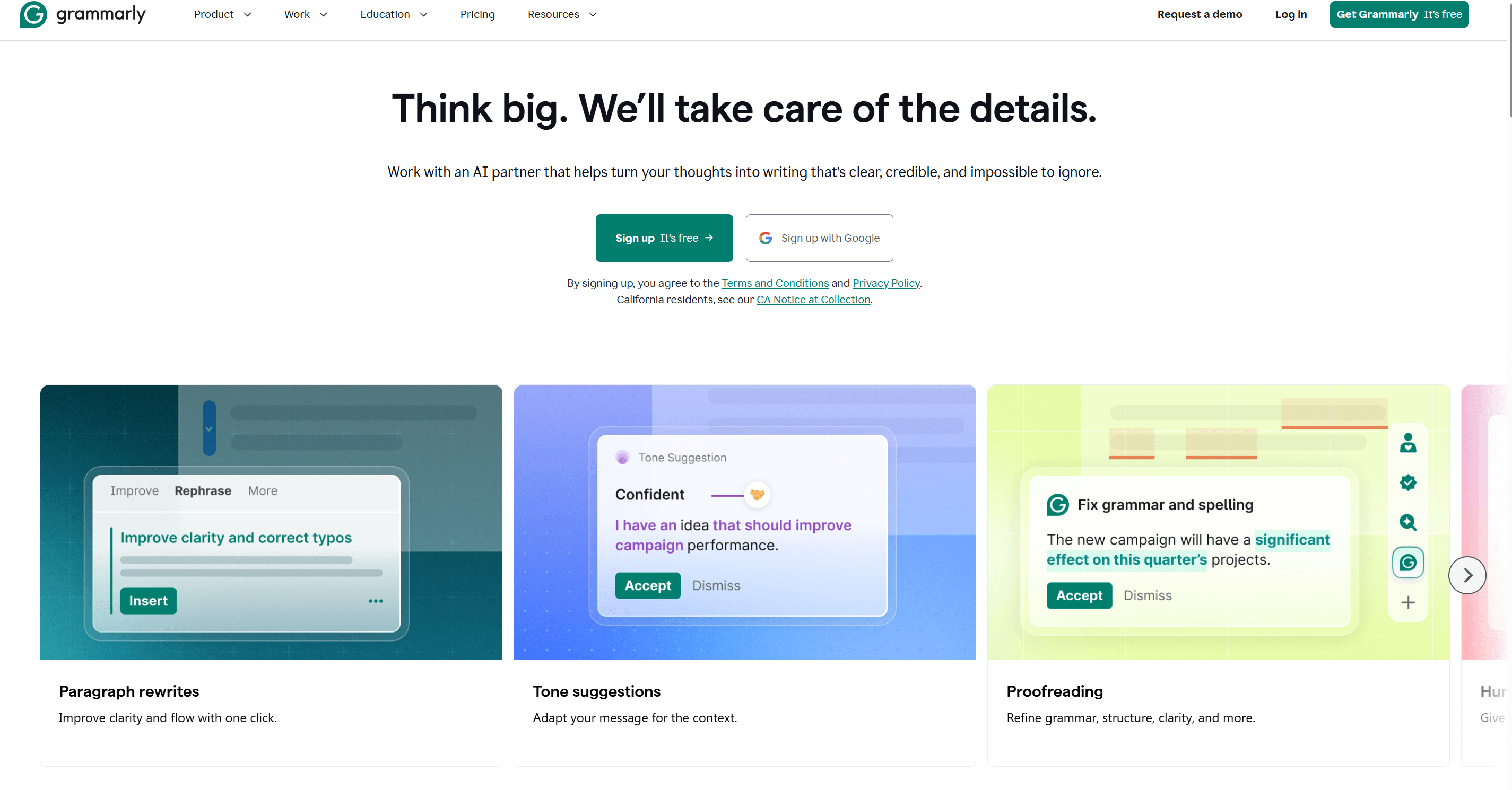
Grammarly is a popular choice for students who want to improve the quality and clarity of their writing. Rather than focusing primarily on research or problem solving, it specializes in helping users identify and improve common writing issues.
🏅Key Features
Its writing tools can help with grammar, spelling, punctuation, clarity, tone, and rewriting. This makes it useful when students have already written a draft and want to polish it before submitting or publishing it.
Pros
- Easy to use
- Strong focus on writing quality
- Useful for proofreading and editing
Cons
- Students looking for math, homework, research, or quiz features will need additional tools.
Wolfram Alpha — Best for Math & STEM Students
Best For: STEM students who regularly work with advanced math and computational problems.
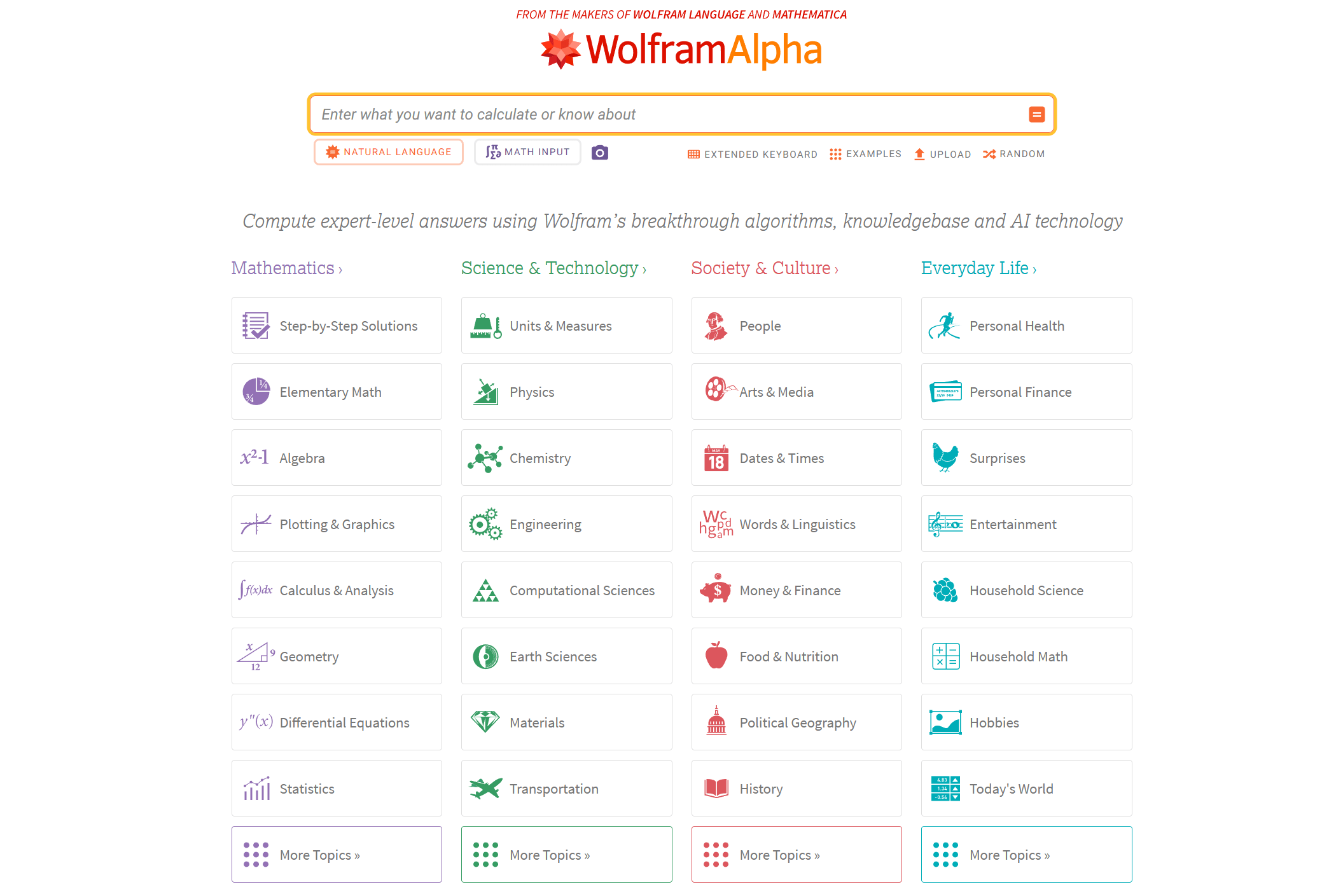
Wolfram Alpha is designed for computational and knowledge-based questions, making it particularly valuable for students studying mathematics, science, engineering, and other STEM subjects.
🏅Key Features
Students can use it for calculations, algebra, calculus, statistics, and other mathematical problems. It is especially useful when a student needs help checking a calculation or exploring a mathematical concept.
Pros
- Powerful computational capabilities
- Broad mathematical coverage
- Useful for STEM coursework
Cons
- It is more specialized than general-purpose AI assistants and may not be the best choice for writing or broader study tasks.
Quizlet — Best for Flashcards and Exam Practice
Best For: Students preparing for vocabulary tests, exams, and courses that require substantial memorization.
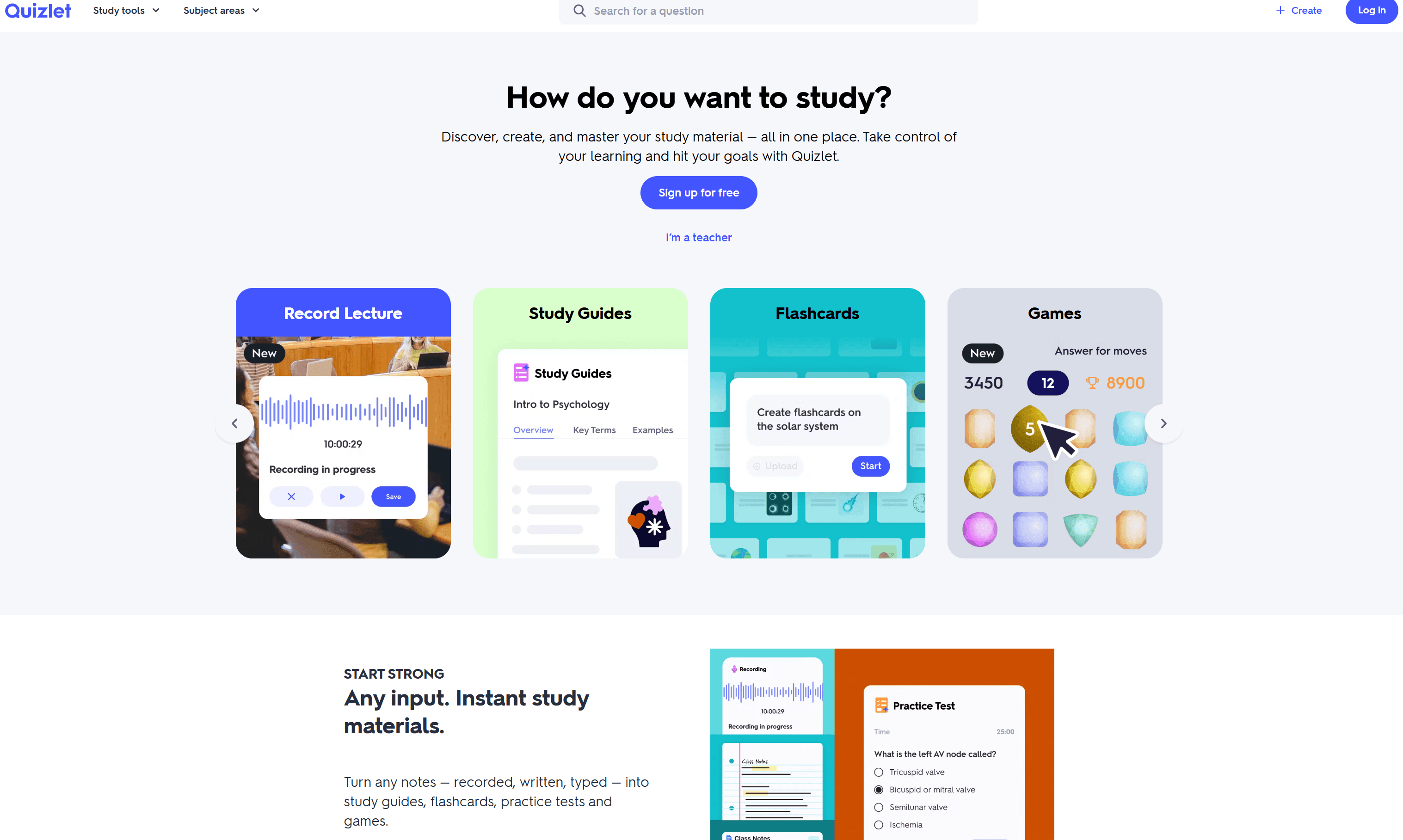
Quizlet is built around studying and memorization, making it a natural fit for students preparing for tests and exams. Its flashcards and practice-focused features can help turn course material into more manageable study sessions.
🏅Key Features
Students can create or review flashcards, practice vocabulary, and use study activities to reinforce information. It works particularly well for subjects where memorization and repeated practice are important.
Pros
- Strong study-focused experience, flashcards, convenient exam preparation.
Cons
- Students looking for step-by-step homework help or broader writing capabilities may need another AI tool.
Canva — Best for Student Presentations
Best For: Students working on presentations, visual assignments, group projects, and multimedia coursework.
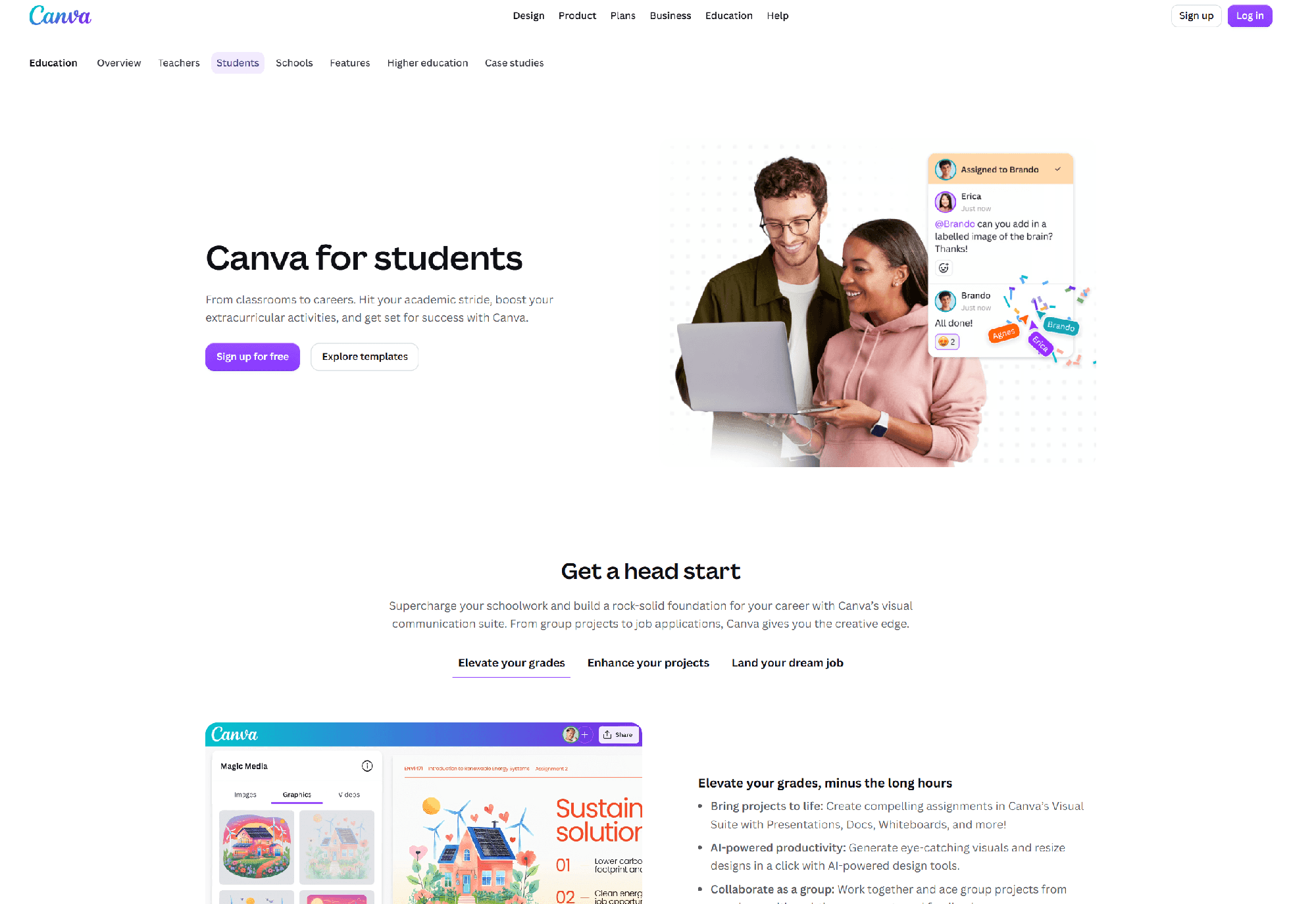
Canva is a useful option for students who need to turn ideas and information into visually engaging presentations and projects. Its templates and design tools can simplify the process of creating slides, posters, infographics, and other visual assignments.
🏅Key Features
Students can create presentations, posters, infographics, social graphics, and other visual materials. Its AI-powered features can also help with aspects of content creation and design, making it easier to move from an idea to a finished project.
Pros
- Easy-to-use design interface
- Extensive templates
- Useful for visual projects
Cons
- Primarily focused on design rather than academic research, writing, or problem solving.
Photomath — Best for Quick Math Help
Best For: Students who need quick help with math homework and practice problems.
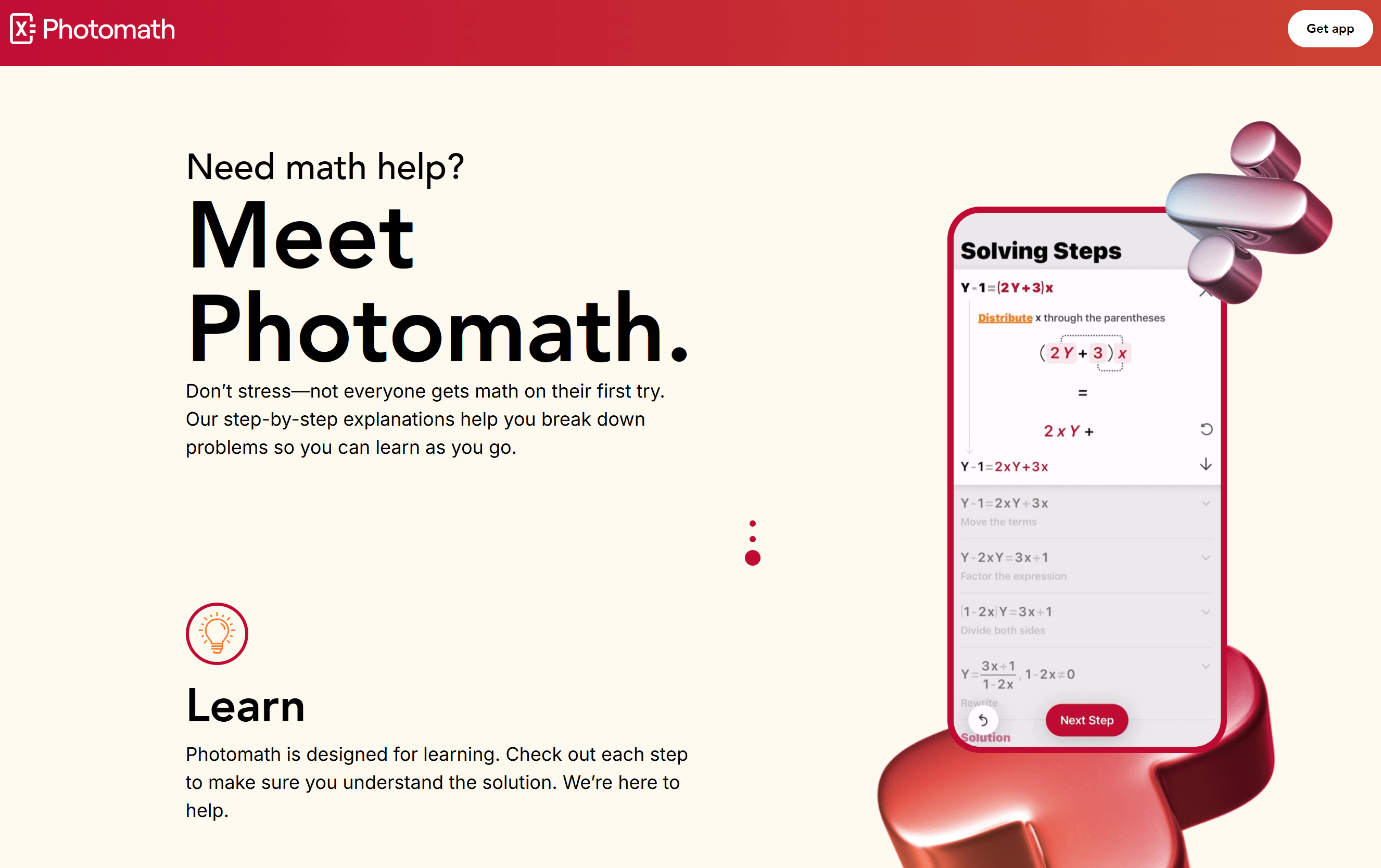
Photomath focuses specifically on mathematics and can be useful when students need help understanding or checking math problems. Its camera-based workflow makes it convenient for working with problems from textbooks, worksheets, or handwritten materials.
🏅Key Features
Students can scan supported math problems and receive explanations or step-by-step assistance. It covers areas such as arithmetic, algebra, and other common levels of mathematics.
Pros
- Convenient problem input
- Math-focused experience
- Useful for checking solutions
Cons
- Its focus is primarily mathematics, so students will need other tools for writing, research, reading, and broader homework support.
How to Choose the Best AI Tool for Students
Selecting the right software comes down to practical utility, not just tech hype:
- Solves Actual Problems: Focus on tools that fix specific study friction points rather than adopting AI for its own sake.
- Accuracy: Verify that math steps, research facts, and source citations remain reliable and hallucination free.
- Ease of Use: Choose intuitive interfaces that yield quick results without steep learning curves.
- Free Access: Look for free AI tools for students that offer generous free plans or daily credits before committing to paid upgrades.
- Data Privacy: Ensure uploaded course materials, personal notes, and draft assignments stay protected.
- Workflow Fit: The best tool is the one that integrates seamlessly into your current daily study routine.
How to Build a Smarter AI Study Workflow
Instead of jumping between disconnected apps, combining targeted AI tools creates an end-to-end study loop that saves hours each week:
Read (Collect & Scan): Upload assigned syllabus PDFs, dense research papers, or chapter notes directly into AI Reading (ChatPDF). Interrogate your documents to locate key data points and extract relevant quotes immediately.
Understand (Clarify Concepts): When encountering confusing theories or technical jargon, ask the AI Homework Helper for plain language breakdowns. Get clear explanations customized to your grade level to build true conceptual understanding.
Take Notes (Synthesize): Pass lengthy course lectures, textbook chapters, or web articles through the AI Summarizer. Turn dense blocks of text into digestible bulleted takeaways for fast review.
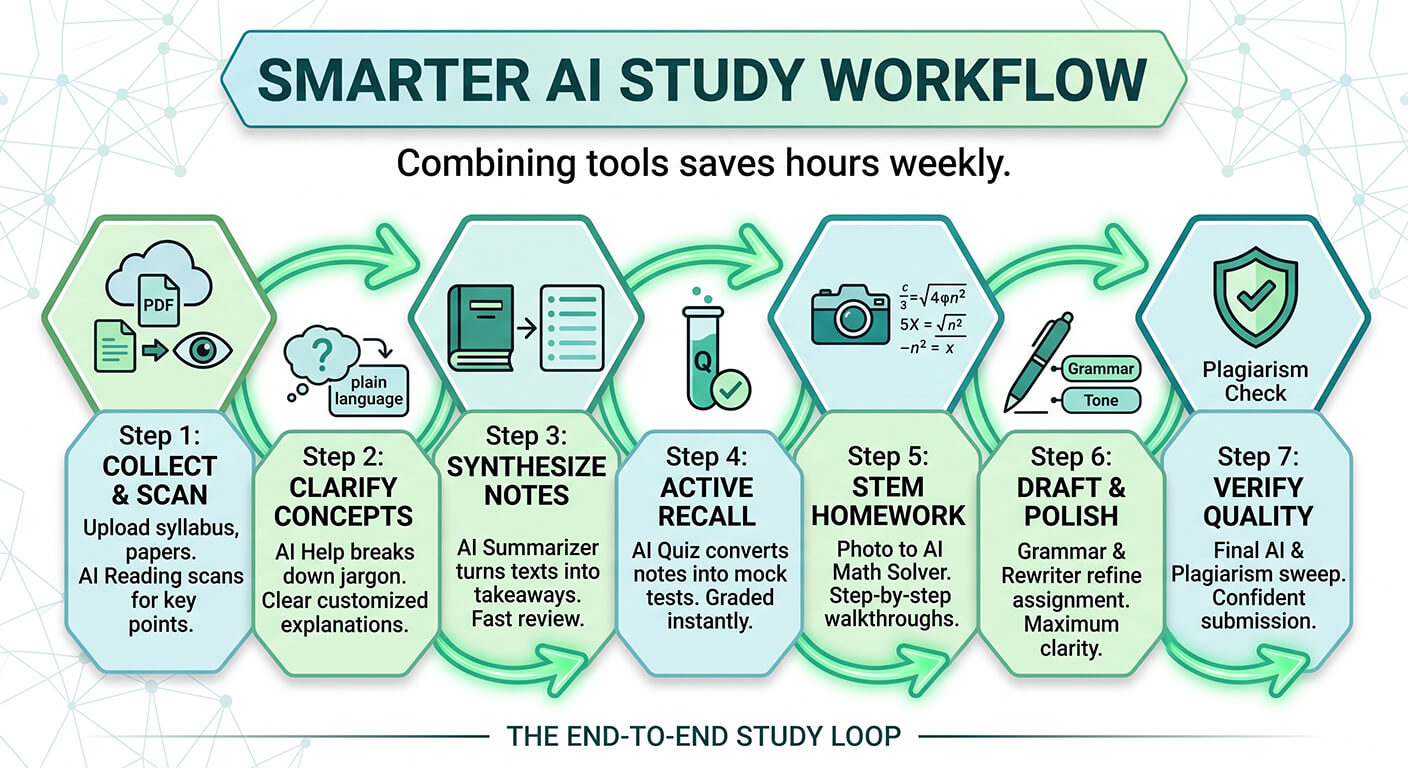
Practice (Active Recall): Test your knowledge before midterms using the AI Quiz Generator. Automatically convert your summarized notes into interactive mock tests with instant grading and step by step answer keys.
Solve (STEM Homework): Tackle tough math, physics, or chemistry problems with the AI Math Solver. Upload a photo of handwritten equations to review step by step computational walkthroughs.
Write (Draft & Polish): Draft your assignments and pass them through the Grammar Checker and AI Article Rewriter. Fix passive phrasing, eliminate typos, and adjust academic tone for maximum clarity.
Check (Verify Quality): Perform a final sweep using the AI Checker and Plagiarism Checker. Verify sentence cadence, eliminate accidental duplication, and submit your paper with absolute confidence.
By following this Research → Understand → Practice → Write → Check pipeline, you move from raw reading materials to polished assignments inside one unified, stress-free workspace.
Are AI Tools Good for Students?
AI tools provide powerful benefits, but their value depends entirely on how responsibly students use them.
- Benefits: AI accelerates study routines by saving time on repetitive tasks, explaining complex topics in plain language, generating custom practice quizzes, and improving writing clarity.
- Risks: Over-reliance can weaken critical thinking and writing skills. AI models can also hallucinate incorrect facts, leak personal data, or create academic integrity issues if used to generate entire assignments automatically.
The key is balance. Treat AI as an interactive study assistant, tutor, and editor—not a substitute for your own critical thinking and original effort.
FAQs About AI Tools for Students
1. Should students be allowed to use AI tools for schoolwork?
AI tools can be useful for explaining concepts, brainstorming, practicing, and improving drafts, but students should follow their school's or instructor's AI policy. Using AI as a learning assistant is generally more appropriate than submitting AI-generated work as entirely their own.
2. What is the best AI tool for college students?
The best choice depends on the task. For an all-in-one option, Humbot combines AI Reading, Homework Helper, Math Solver, Quiz Generator, writing, and checking tools. Students focused on specific tasks may prefer specialized tools for research, writing, or mathematics.
3. What are the best free AI tools for students?
Several AI tools offer free plans or limited free access, including Humbot, ChatGPT, Gemini, NotebookLM, and other specialized study tools. Before choosing, compare free usage limits, available features, and whether the tool supports your most common study tasks.
4. Are AI tools free for students?
Some AI tools offer free plans, while others provide limited features, credits, or trials before requiring a subscription. "Free" does not always mean unlimited access, so students should check current pricing and usage limits before relying on a tool for regular coursework.
5. What is the best AI tool for studying?
The best study tool depends on how you learn. Tools such as NotebookLM are useful for studying your own sources, while Quizlet focuses on practice and memorization. Humbot is useful for students who want reading, summarization, homework help, math solving, and quiz generation in one place.
6. What AI tools can help with homework?
AI homework tools can explain concepts, provide step-by-step guidance, and help students practice problems. Humbot's AI Homework Helper supports general homework questions, while its AI Math Solver is designed specifically for math problems. Students should use these tools to understand the solution rather than simply copy an answer.
7. What is the best AI tool for math students?
The best option depends on the student's level and needs. Wolfram Alpha and Photomath are specialized for mathematics, while Humbot's AI Math Solver is useful for students who want math help alongside broader homework and study tools.
8. Can students use AI tools for writing?
Yes, students can use AI writing tools for appropriate tasks such as brainstorming, outlining, proofreading, improving clarity, and revising drafts. However, whether AI-generated writing is permitted depends on the course or institution. Students should always follow the applicable academic guidelines.
9. Are AI tools allowed in college?
There is no universal rule. Some colleges and instructors allow AI for brainstorming, editing, or studying, while others restrict or prohibit its use for particular assignments. Always check the syllabus and your instructor's guidelines before using AI for graded coursework.
10. Is it safe for students to use AI tools?
AI tools can be useful, but students should avoid sharing sensitive personal information, passwords, private academic records, or confidential documents. They should also verify important information because AI can produce inaccurate or misleading answers. Using reputable tools and reviewing their privacy policies can reduce potential risks.
Conclusion
Selecting the right AI tools for students shapes your entire academic year. While single feature apps help with quick tasks, juggling multiple platforms creates unnecessary friction in your daily workflow.
For students seeking a streamlined, effective workflow, Humbot stands out among the top AI tools for students. By integrating research, AI reading, math solving, quiz generation, and writing checks into one unified platform, Humbot empowers you to study smarter, save time, and submit your best work with confidence.
🛡️100% Data Privacy • 🚀 Instant Access